
 Cart is empty
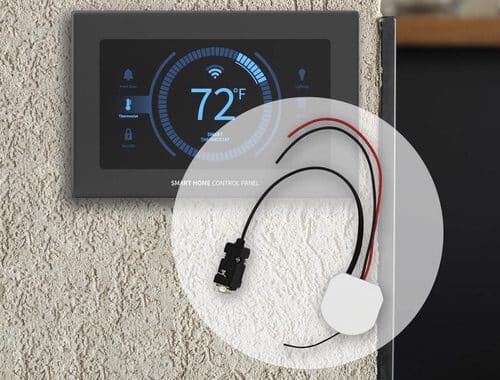
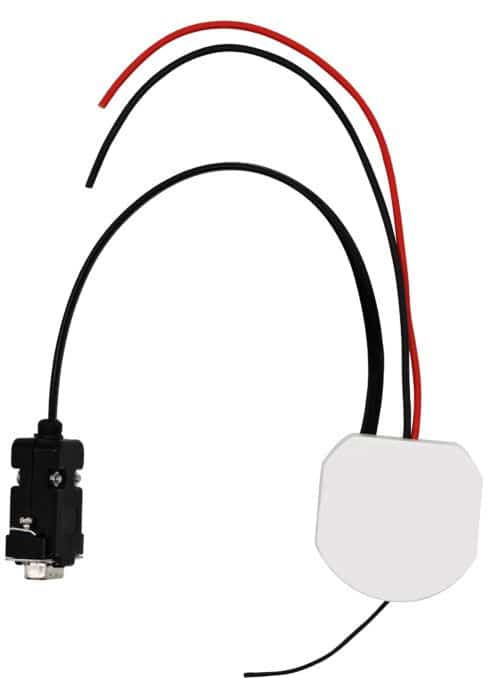
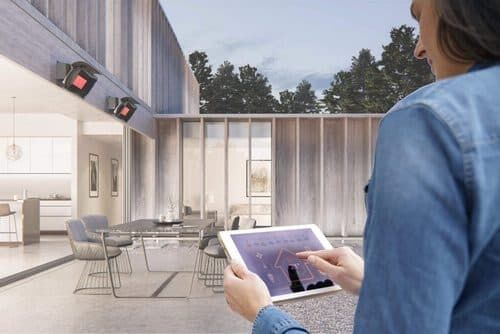
The Bromic Smart-Heat Link connects Bromic On/Off or Dimmer heater controllers to a home or building automation system with an RS232 port. It receives commands from the automation system and relays them wirelessly to the controllers.
Use your automation system’s schedules, scenes, timers and thermostats to control your heaters. The interface requires programming and integration by a home automation integrator or licensed technician.
Features
- Automation System Compatibility: Connects Bromic On/Off or Dimmer heater controllers to RS232-equipped automation systems such as Lutron, Control4, Crestron and Nomad.
- Wireless Controller Communication: Operates at 916 MHz in the US, with a range of about 100 feet to the controller.
- Remote Storage Capacity: Stores up to 50 controller remotes.
- Automation Control Options: Lets heaters work with schedules, scenes, timers and thermostats in the connected automation system.
- Power And Connection: Requires a 5V DC power supply and connects to the automation system with a DB9 RS232 cable.
- Required Accessories: The 5V DC adapter and RS232 cable are not included.
- Professional Setup Required: The interface does not come pre-paired and must be programmed and integrated by a home automation integrator or licensed technician.
Specifications
| PART # | BH3130097-1 (US/Canada) |
| POWER | +5V DC (adapter not included) |
| CONNECTION | RS232 via DB9 cable (cable not included) |
| FREQUENCY | 916 MHz (US) |
| RANGE | About 100 ft to the controller |
| CAPACITY | Up to 50 controller remotes |
| COMPATIBLE SYSTEMS | RS232-equipped systems such as Control4, Crestron, Lutron and Nomad |
| INSTALLATION | Programmed by a home automation integrator or licensed technician |
Downloads
FAQs
Which home automation systems work with Bromic heaters?
Any home automation system with an RS232 connection. Many systems offer an RS232 port as standard or as an add-on.
Which Bromic controls can I use with it?
You can pair any combination of Bromic On/Off and Dimmer controllers with one Smart-Heat Link.
How is it installed?
The Smart-Heat Link connects to your automation system with a DB9 cable and does not come pre-paired with any control device. Have a home automation integrator or licensed electrician set it up using the installation guide below.